Retiring a System Without Leaving the Doors Open
Decommissioned systems keep causing incidents because the shutdown skipped the security steps. A short checklist closes accounts, access, and data for good.

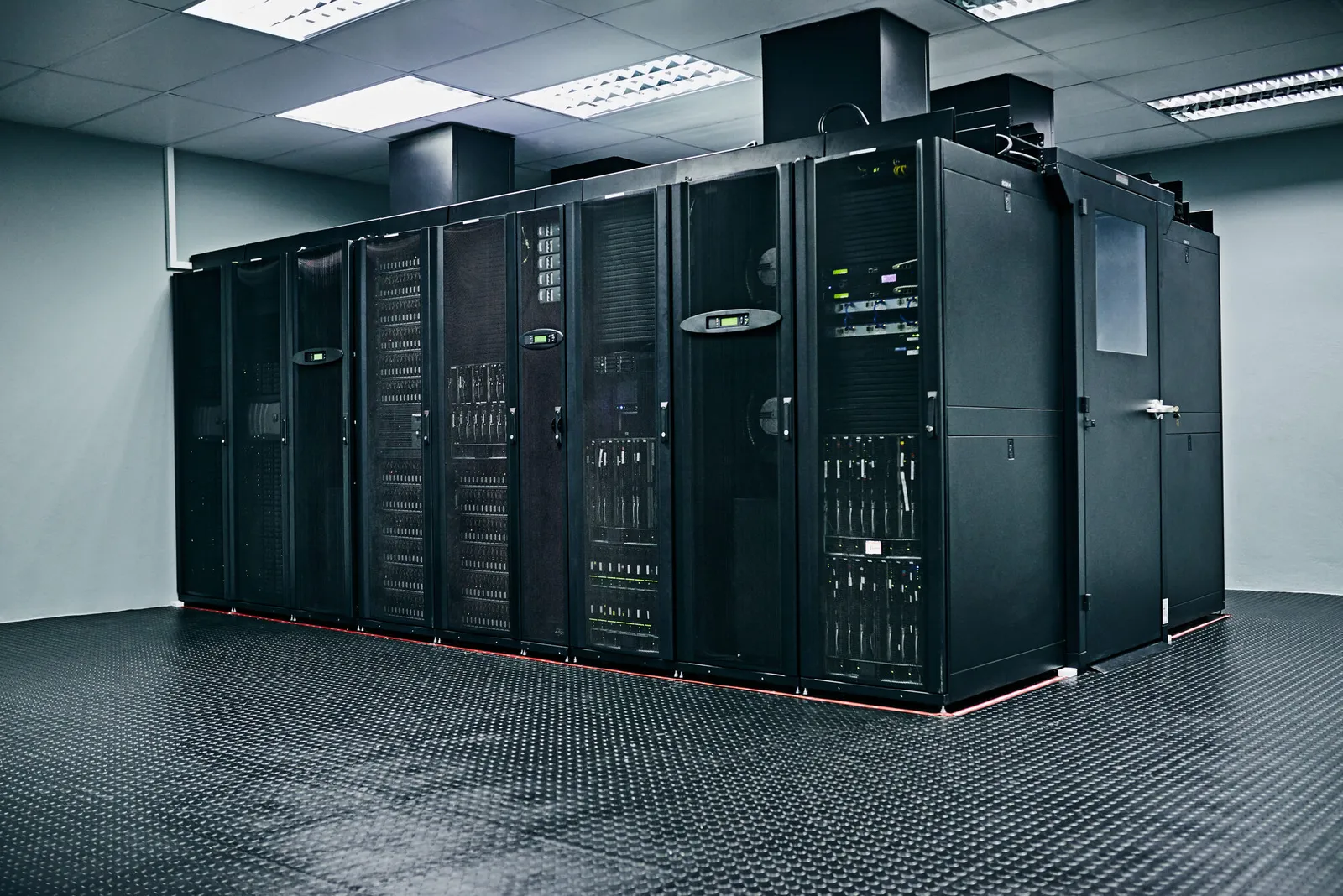
The replacement went live in March. By September the old system is still running, still reachable, still holding a copy of last year's customer data, because nobody owns turning it off. When it surfaces in an assessment two years later, it is an unpatched, unmonitored door into the network.
Decommissioning fails quietly because it has no sponsor. The project that built the replacement is closed, the budget line is spent, and shutting down the old system is nobody's milestone. The security cost lands later: in the attack surface that never shrinks and the data copies nobody deleted.
The fix is a short, named checklist that runs on every retirement, owned by the same person who owned the replacement project.
Key takeaways
A system is not retired until its accounts, access, data, and network presence are all closed.
Assign decommissioning to the replacement project's owner, with a date and a budget line.
Decide what data is kept, where it moves, and what is destroyed before shutdown.
Remove the credentials and integrations that trusted the old system.
Verify from the outside that the system is actually gone.
Step 1: Name the owner and the date
Every retirement starts with a named owner and a target date, set at the moment the replacement is approved, not after it goes live. The owner's job ends at verified shutdown, not at cutover.
Include a small budget for the retirement itself: archive work, data migration, the afternoon of network changes. Retirements stall when they are free in theory and unfunded in practice.
Step 2: Decide the data's future first
Before anything is powered off, decide what the old system holds and where each class of it goes: migrated to the replacement, archived to controlled storage, or destroyed. The decision belongs to the business owner of the data, with retention obligations in view.
The discussion of why data retention is a decision applies directly: keeping everything 'just in case' converts a retirement into a permanent, unmaintained archive with credentials attached.
Step 3: Close the technical doors
Shutdown day is a checklist, not a switch. Remove the system's accounts and service credentials from every other system that trusted them. Revoke its API keys. Delete its DNS records and firewall rules. Remove it from monitoring only after you have confirmed it cannot come back silently.
This fictional example shows a retirement checklist for a replaced scheduling application. It is an illustration, not a prescription.
| Item | Done when | Owner |
|---|---|---|
| User accounts | All accounts disabled, SSO entry removed | IT |
| Service credentials | API keys and certificates revoked everywhere | Engineering |
| Data | Export archived, residual data destroyed | Business owner |
| Network | DNS, firewall rules, and vendor VPN removed | Network |
| Verification | External scan shows the system unreachable | Security |
Step 4: Verify, then forget
The last step is proof. An external scan, a review of the asset inventory, and a check that no integration logs still call the old system. Then document the retirement: what was shut down, when, what data went where, and who verified it.
That record matters later. When an auditor or a buyer's diligence team asks about the old system, the answer is a document, not a hunt through departed employees' inboxes.
The related discussion of data retention is a decision is worth your time alongside this one. The related discussion of legacy system replacement is worth your time alongside this one.
Frequently asked questions
How long should we keep the old system running in parallel?
As short a parallel run as the business can tolerate, with a fixed end date. Parallel running past its purpose is just the old system living on with less attention.
What about data we must keep for years?
Move it to storage designed for retention: access-controlled, logged, and owned. A retired production system is not an archive; it is an unmonitored copy.
Who notices if a decommissioned system is switched back on?
Only monitoring that watches for its return. Keep an alert on the old address space and credentials for a period after shutdown, so a resurrection is visible the same day.
A Defensible Next Step
List every system your company replaced in the last two years and ask for the retirement record of each. If any answer is 'we think it is off,' you have found this quarter's cleanup project. Book a Decision-Clarity Call if you want the checklist tailored.
Get Board-Ready on AI and Cyber Risk
A 30-minute call. No charge. You'll leave with a clear read on where your oversight stands and what to do about it.
Written by Tyson Martin, NACD.DC
Chief Trust, Security & AI Officer. CISO of record at MIO Partners; former CISO & CTO at Lumber Liquidators and Orvis; advisor to 200+ Fortune 500 boards and C-suites at AWS.
See the track record