Service Accounts: The Logins Nobody Owns
Service accounts run the integrations the business depends on, and nobody owns them. An inventory with named owners is the difference between managed and inherited risk.

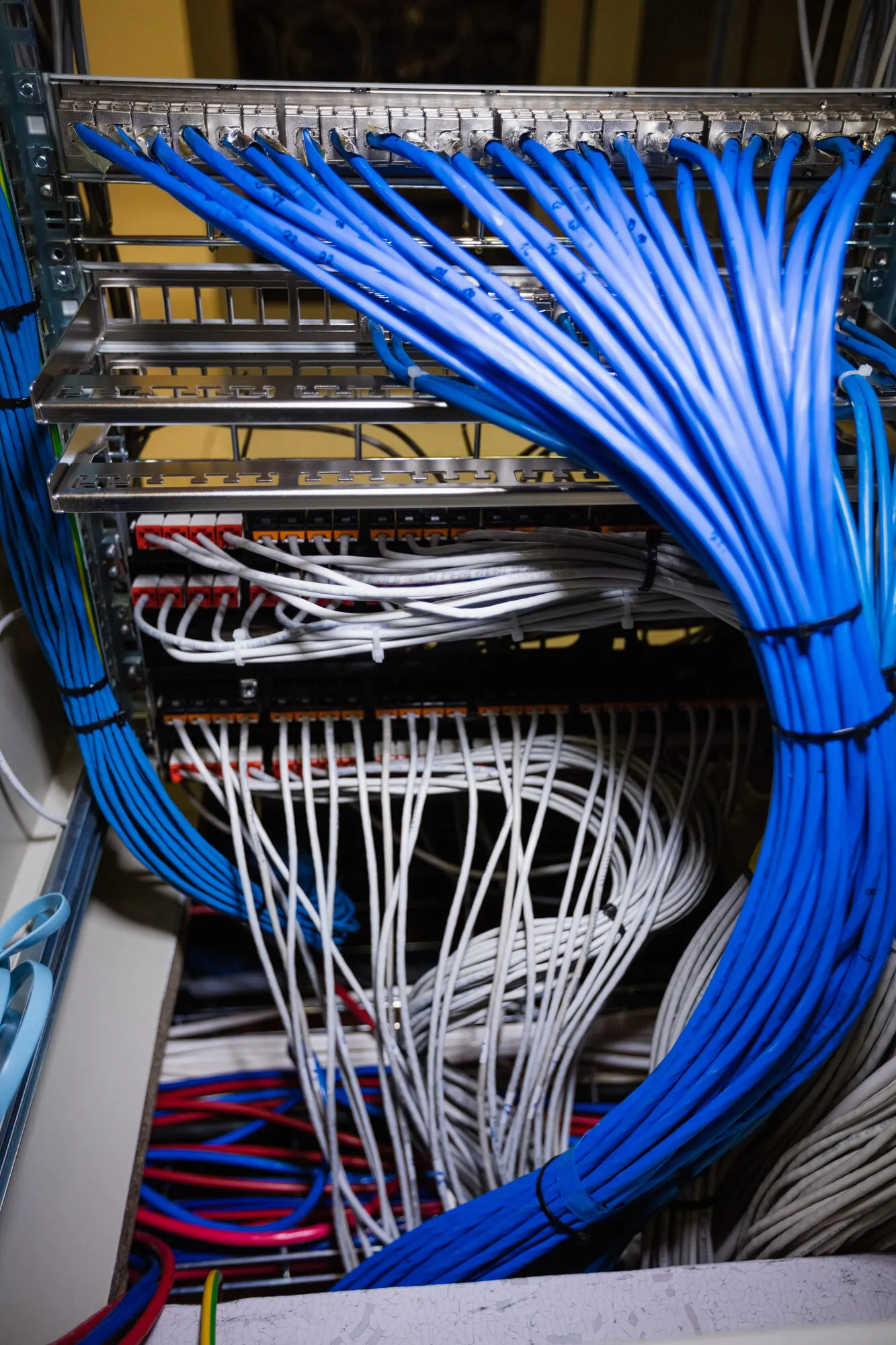
Somewhere in your environment is an account named svc_backup or admin2 that was created in 2019 by someone who left in 2021, has domain-wide rights, and has never had its password changed. It runs the integration that keeps billing and the CRM in sync, so nobody dares touch it.
Service accounts are the shadow workforce of the environment: they log in more than any human, hold more standing privilege than any executive, and appear on no org chart. When auditors or attackers map the estate, these accounts are the interesting finds.
The fix is not exotic. It is an inventory with an owner, a purpose, and a rotation date for every account, and a rule that no new integration goes live without one.
TLDR
Every service account needs a named human owner, a written purpose, and a rotation date.
Standing privilege should be the minimum the integration actually uses, not the default it was given.
Interactive login on service accounts should be disabled or loudly alerted.
Old integrations die silently; their accounts stay behind as open doors.
New integrations do not go live until the account is in the inventory.
Why service accounts escape governance
People accounts have a natural lifecycle: the person joins, moves, and leaves, and HR drives the events. Service accounts have no lifecycle at all. The project that created them ends, the team disperses, and the account keeps working, so nobody looks at it again.
They also attract privilege. The installer asks for admin rights, the integration works, and the rights stay forever because removing them risks breaking something nobody fully documents.
The pattern repeats with machine identities generally; the discussion of privileged access for AI agents is the same problem wearing a newer label.
The inventory that actually gets maintained
The inventory has four columns: account, purpose, owner, and rotation date. The owner is a named person who can answer 'what breaks if this account stops working' without research.
This fictional example shows the register for a distribution company. It is an illustration, not a prescription.
| Account | Purpose | Owner | Rotated |
|---|---|---|---|
| svc_erp_sync | Nightly ERP-to-warehouse sync | Ops systems lead | May 2025 |
| svc_backup | Backup job to offsite storage | IT manager | Apr 2025 |
| legacy_report | Unknown; last login daily at 02:00 | Unassigned - investigate | Unknown |
The third row is the point of the exercise. Every company finds at least one account that nobody can explain, and finding it in an inventory review is much better than finding it in an incident.
Shrink what each account can do
Once the inventory exists, the second pass reduces privilege. Scope each account to the systems and rights its integration actually uses. Disable interactive login so the account cannot be used from a keyboard. Where the platform supports it, move to managed identities or short-lived credentials so there is no standing secret to steal.
Expect resistance from the fear of breaking things. The safe path is to tighten one account at a time, starting with the highest-privilege ones, with the owner watching the integration for a week after each change.
Stop creating new ones quietly
The inventory rots the day it is finished unless new accounts enter through it. Make one rule: no integration goes live until its account is in the register with an owner and a rotation date.
Like the discipline applied to shadow IT, the goal is not to block new integrations. It is to make the invisible visible at the moment it is created, when the context still exists.
The related discussion of privileged access is worth your time alongside this one. The related discussion of shadow it is worth your time alongside this one.
Frequently asked questions
How many service accounts is normal?
More than you expect. A mid-market company commonly finds dozens. The number matters less than whether each has an owner who can explain it.
How often should service account credentials rotate?
At least annually for accounts that must keep a password, and immediately when someone who knew the credential leaves. Managed identities remove the question entirely.
What do we do with accounts nobody can explain?
Do not delete them outright; something may depend on them. Restrict them, alert on their use, and watch for a cycle. What breaks identifies the owner faster than any documentation hunt.
A Defensible Next Step
Ask your IT lead for the list of service accounts with owners and rotation dates. If the answer is a partial spreadsheet or a pause, the inventory is this quarter's project. Book a Decision-Clarity Call if you want help running it.
Get Board-Ready on AI and Cyber Risk
A 30-minute call. No charge. You'll leave with a clear read on where your oversight stands and what to do about it.
Written by Tyson Martin, NACD.DC
Chief Trust, Security & AI Officer. CISO of record at MIO Partners; former CISO & CTO at Lumber Liquidators and Orvis; advisor to 200+ Fortune 500 boards and C-suites at AWS.
See the track record