SPF, DKIM and DMARC: Three Labels in an Email Conversation
Email conversations use three similar-looking abbreviations for different ideas. Learn what the labels refer to without turning the explanation into a configuration guide.

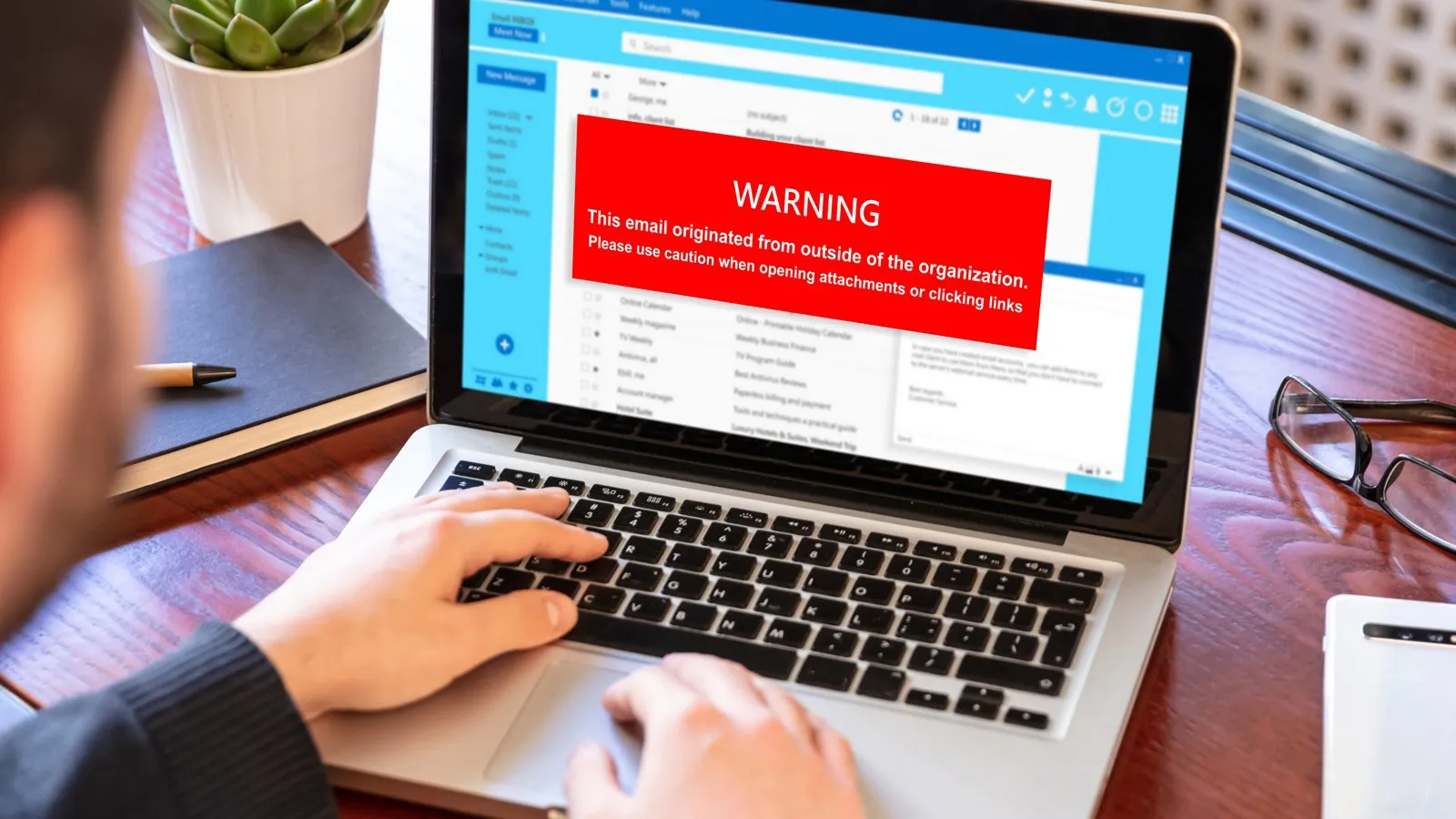
A conversation about email can fill with abbreviations before anyone has explained the subject. SPF, DKIM and DMARC often appear together, but they are not three names for the same thing.
Google's sender guidance describes each in the context of delivery to personal Gmail accounts. Its definitions provide a useful vocabulary starting point. Its requirements have a particular audience and should not be silently generalized to every email service.
TLDR
SPF concerns which senders are authorized for a domain.
DKIM uses a signature that receiving systems can check.
DMARC connects authentication results with domain alignment and handling instructions.
Understanding the labels is different from configuring a mail system.
Read the abbreviations as different jobs
Google describes SPF as a record covering the senders for a domain. DKIM concerns a signature attached to a message. DMARC adds a domain-alignment and policy layer to the authentication discussion.
A plain explanation can preserve those differences without listing DNS syntax or telling a reader which setting to change. The aim is recognition: when one label appears, which part of the discussion does it concern?
Keep the scope of the source attached
Google's page distinguishes all senders from bulk senders sending more than 5,000 messages a day to Gmail accounts. Its baseline requirements for all senders include SPF or DKIM; the bulk-sender section requires SPF, DKIM and DMARC. The page dates those requirements to February 2024.
That distinction is important even in a vocabulary article. A summary saying simply "Google requires all three for everybody" would erase a qualification the source makes explicitly. Definitions and requirements should not be blended into one sentence.
Do not make the glossary a diagnosis
The three labels do not explain every email-delivery outcome. Google's guidance also discusses message formatting, sending practices and other factors. A glossary cannot establish why a particular message reached a particular folder.
A reader who understands the terms can follow a specialist's explanation more easily. That is a useful educational outcome without editing records, diagnosing a live mailbox or promising delivery.
When a real message raises a question, the explanation should preserve what is known about that message rather than guess from one acronym. A label is a starting point for understanding, not a complete answer.
Sources for the definitions and writing principles discussed here: Google, Email sender guidelines, definitions and requirements introduced in February 2024. The examples and suggested discussion formats are illustrative.
Frequently asked questions
Does SPF alone explain why a message went to spam?
No. This vocabulary article does not diagnose delivery, and the source describes several factors affecting it.
Are the Gmail rules the rules for every provider?
The cited page concerns personal Gmail accounts. Other providers have their own guidance.
Does this article tell me how to change DNS?
No. It contains definitions and source scope, not configuration steps.
A practical next step
When these abbreviations appear in a report, ask which job each one is describing and whether the cited requirement applies to the same audience. Book a Decision-Clarity Call for help making technology work easier to explain.
Get Board-Ready on AI and Cyber Risk
A 30-minute call. No charge. You'll leave with a clear read on where your oversight stands and what to do about it.
Written by Tyson Martin, NACD.DC
Chief Trust, Security & AI Officer. CISO of record at MIO Partners; former CISO & CTO at Lumber Liquidators and Orvis; advisor to 200+ Fortune 500 boards and C-suites at AWS.
See the track record