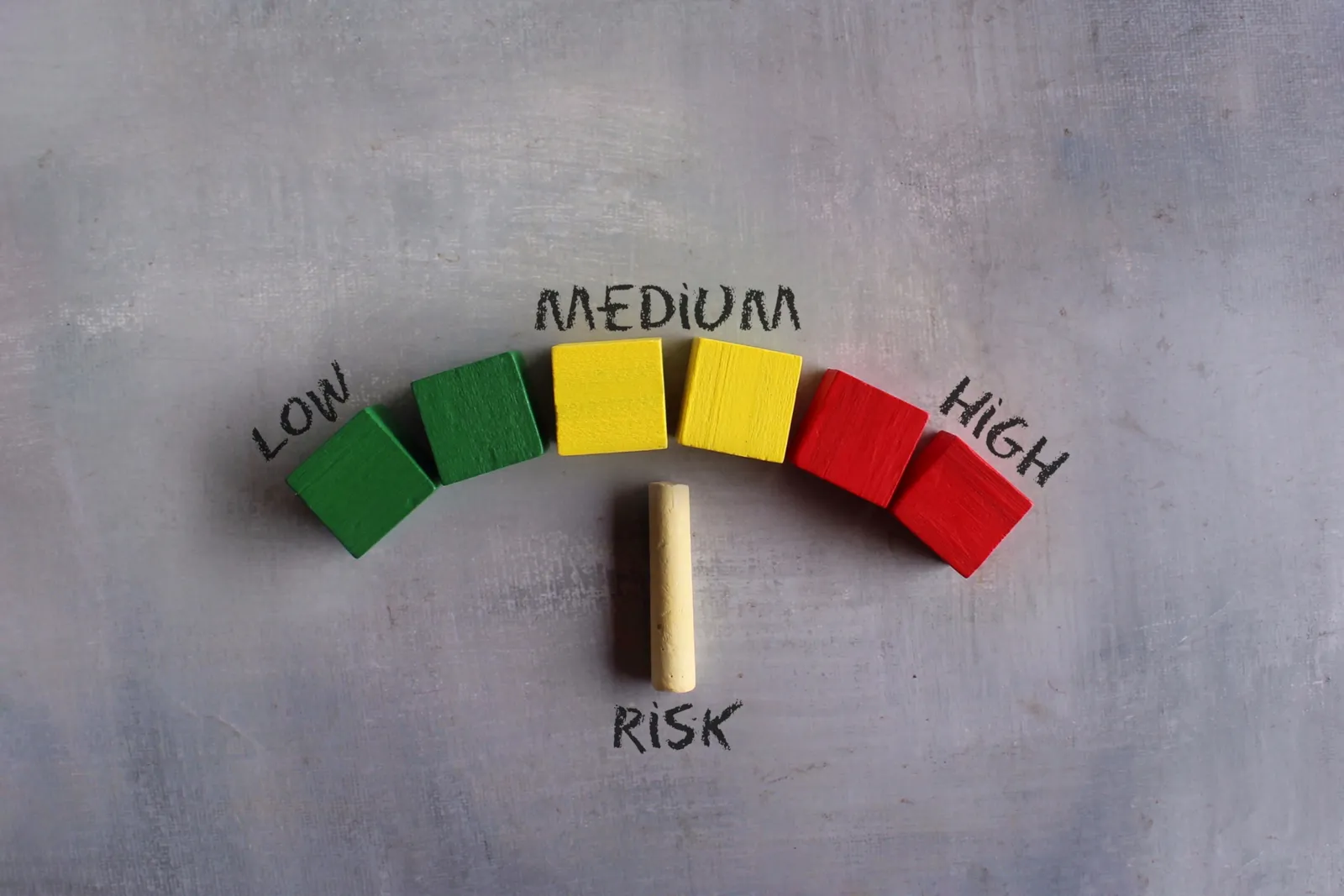
Concentration Risk in One Cloud Region
When most workloads sit in one cloud region, one failure reaches everything. A dependency heat map shows where the blast radius is bigger than intended.


Most companies end up with the bulk of their cloud workloads in one region, usually the one chosen on day one. It was cheap, close and convenient. Years later, nobody decided that a single regional problem could stop the business. It just happened by default.
Cloud providers build regions with multiple isolated data centers to reduce the odds of failure. That helps. It does not remove the possibility that something affects a whole region, a shared service, or the way your workloads are tied together.
Boards do not need the engineering detail. They need to see where the concentration is and whether it matches the risk the company meant to accept.
TLDR
Default placement often puts most workloads in one cloud region without a decision.
Multiple availability zones reduce risk but do not equal multiple regions.
A heat map of workloads by region shows the failure blast radius at a glance.
Match concentration to the business impact of each workload, not to convenience.
Test failover before relying on it.
What a region is, and what protects you
A cloud region is a geographic area containing several isolated locations. AWS, for example, describes its Availability Zones as one or more discrete data centers with independent power, networking and connectivity within a region, placed far enough apart to avoid correlated failures. See its description of Availability Zones.
That design protects against many failures inside a region. A workload spread across zones is more resilient than one in a single location. What it does not cover is a problem that touches the region as a whole, or a dependency, such as a single shared service, that everything relies on.
A dependency heat map
Ask for a one-page view that lists workloads by region, with the business impact if the region fails. The entries below are illustrative.
| Workload (illustrative) | Region | Zones used | Business impact if region fails | Tested failover? |
|---|---|---|---|---|
| Customer-facing website | Region A | 3 | Revenue stops | Yes, last quarter |
| Order processing | Region A | 2 | Orders queue, shipping delayed | No |
| Internal reporting | Region A | 1 | Reports delayed, low impact | Not needed |
| Customer database backups | Region A | 1 | Cannot restore if region lost | No |
The pattern to look for is high impact, one region and no tested failover. The last row is the usual surprise: backups kept in the same place as the system they protect.
Match protection to impact
Not every workload needs multi-region protection. It costs money and adds complexity. The right level depends on what each workload means to the business.
For critical systems, decide on purpose how much downtime is acceptable and design to that. For low-impact ones, a single region may be a sound choice. The key is that someone chose it.
Test it, then report it
A failover plan that has never been exercised is a hope. Schedule a test for the most critical workloads and record how long recovery took.
Provider concentration has a parallel in AI services. The post on AI model concentration risk covers how different vendors can still hide one dependency.
Frequently asked questions
Is using multiple availability zones enough?
It protects against many failures inside a region but not one that affects the region or a shared dependency. Critical workloads may need a plan that covers a whole region.
Do all workloads need multi-region setups?
No. It adds cost and complexity. Match protection to the business impact of each workload, and write down the decision.
Where should backups be kept?
For critical systems, in a different location from the system they protect, so a regional problem does not take out both.
What should the board ask?
Which critical workloads sit in one region, what the business impact would be if it failed, and when failover was last tested.
A Defensible Next Step
Ask your CTO for the heat map this month, starting with the five workloads that matter most. If backups sit beside the systems they protect, fix that first. Book a Decision-Clarity Call if you would like help reviewing it.
Get Board-Ready on AI and Cyber Risk
A 30-minute call. No charge. You'll leave with a clear read on where your oversight stands and what to do about it.
Written by Tyson Martin, NACD.DC
Chief Trust, Security & AI Officer. CISO of record at MIO Partners; former CISO & CTO at Lumber Liquidators and Orvis; advisor to 200+ Fortune 500 boards and C-suites at AWS.
See the track record